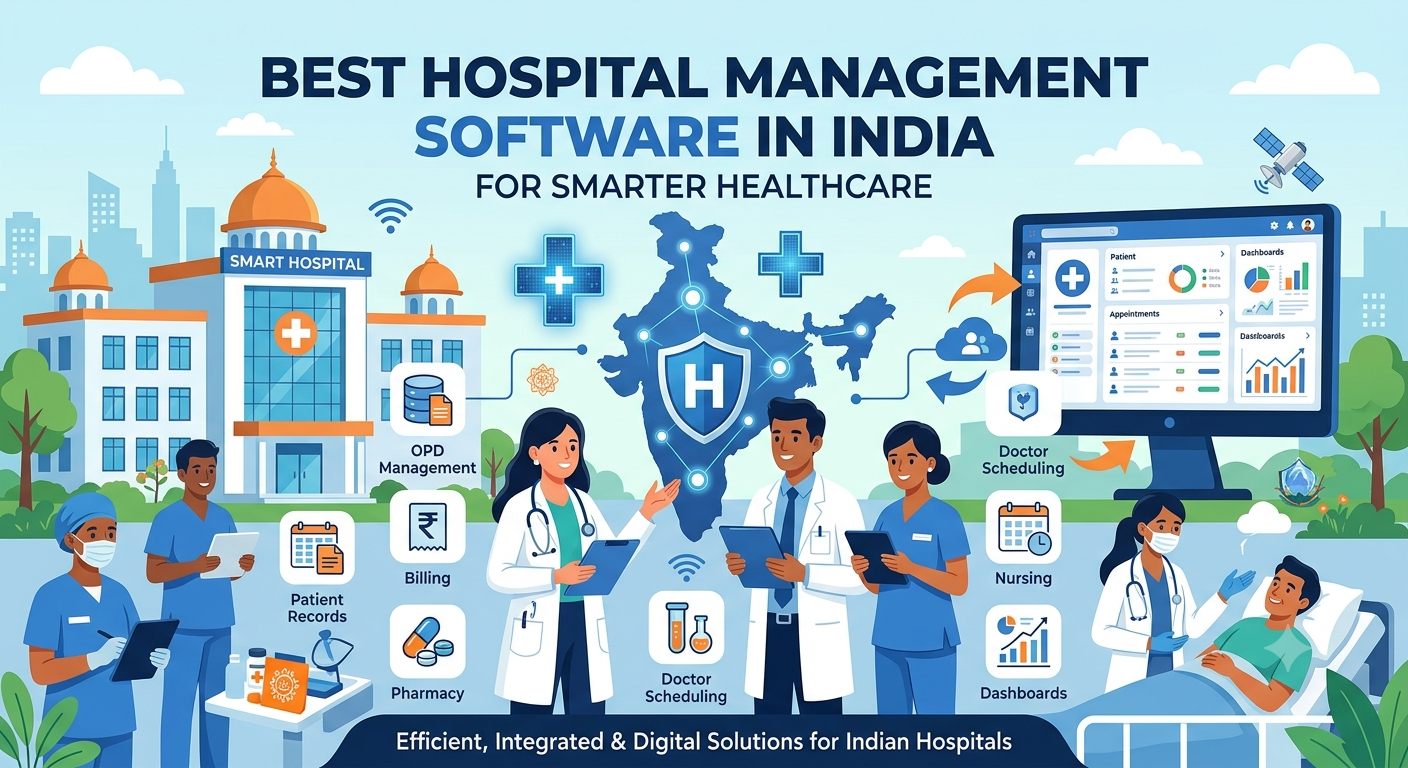
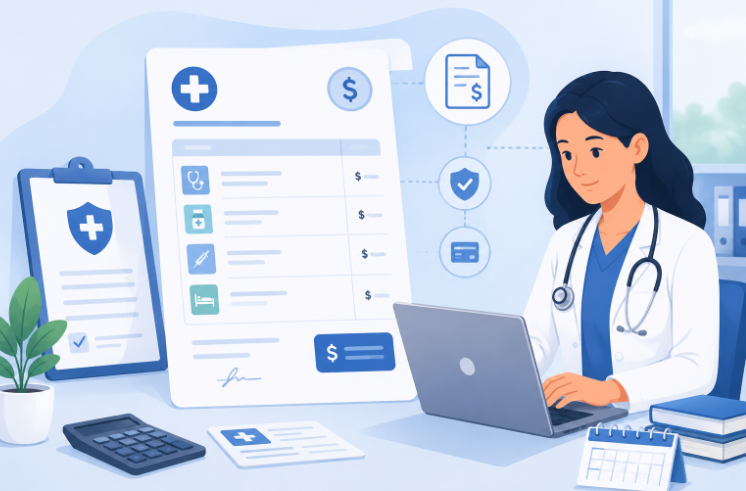
INDIA
INDIA USA
USA
Hospital Administration Software in India: Features, Benefits and How to Choose
Hospital administration software in India is a digital system that helps a hospital run its daily operations from one place: patient registration, appointments, beds, billing, inventory, staff schedules and reports. It replaces paper registers and disconnected spreadsheets, so administrators can see what is happening across the hospital in real time.
Behind every well-run hospital is an administrative engine that most patients never see: the scheduling, records, billing and coordination that keep departments moving in sync. As hospitals in India grow busier and more complex, this software has become the backbone that holds those moving parts together. This guide explains what it does, which features matter, how it fits Indian rules such as ABDM, and how to choose the right one.
What Is Hospital Administration Software?
It is software that manages the day-to-day running of a hospital. Front-desk staff use it for registration, ward teams use it for beds, the billing office uses it for invoices, and administrators use it to see the full picture.
You will also hear the names hospital management system (HMS), hospital information system (HIS) and HMIS. In most cases these describe the same type of software. “Administration” simply stresses the management side, such as billing, staff, inventory and reports. A good system also covers clinical records. For a deeper look at the terms, read our guide to the hospital information system (HIS).
What Hospital Administration Actually Involves
Hospital administration is not a single task. It is the sum of dozens of smaller jobs that keep a facility working: managing patient flow from the front desk, coordinating staff across shifts, checking that bills are correct, tracking supplies, and producing the reports that leaders use to make decisions.
In smaller hospitals, one or two people often juggle most of these jobs by hand. In larger hospitals, whole teams handle administration but still struggle if the underlying processes are not organized. Either way, the quality of administration shapes how smoothly patients move through the hospital and how efficiently staff can work.
Common Administrative Challenges in Indian Hospitals
Administrative teams across India run into the same problems, whatever the hospital size:
- Long patient wait times caused by manual registration and paperwork
- Miscommunication between departments because records are not connected
- Billing mistakes from manual calculations or missed charges
- Insurance and TPA claim delays caused by incomplete or inconsistent records
- Difficulty tracking staff attendance and shift cover in real time
- Delayed reports that make it harder to spot problems early
- Duplicate or conflicting patient details spread across registers
These problems rarely show up as one big failure. They build up through small inefficiencies until the whole hospital slows down. It gets worse when each department fixes its own problem with its own notebook or spreadsheet, because that adds one more disconnected layer for administrators to track.
Key Modules and Features to Look For
Good hospital administration software is made of modules that share one patient record. Here is what each one does for the people who run the hospital.
| Module | What it does for administrators |
|---|---|
| Registration and OPD | One-time registration, queue tokens, appointment slots and fewer duplicate records |
| IPD and ward and bed management | Admission, bed allotment, live bed status, transfers and discharge |
| Operation theatre | Surgery schedules, theatre use and a record of each case |
| Laboratory | Test orders, sample tracking and reports linked to the patient |
| Billing and insurance | Charges captured as they happen, with cash, insurance, TPA and scheme billing |
| Pharmacy and inventory | Stock levels, expiry tracking and low-stock alerts |
| Staff management | Duty rosters, shifts and attendance |
| Reports and dashboards | Daily numbers on patients, beds, revenue and waiting times |
| ABDM and ABHA integration | ABHA creation and linking of records with patient consent |
No hospital needs every module on day one. Start with the areas that cause the most daily trouble, then add more.
Registration and Appointment Scheduling: Where Administration Begins
Every administrative process starts with patient registration. If this first step is slow or error-prone, the delay carries into every department the patient visits next. Digital registration reduces repeated data entry, cuts duplicate records and gives front-desk staff one consistent process, which matters most during peak hours.
Manual scheduling, by contrast, means phone calls, handwritten registers and guesswork about doctor availability. An organized schedule shows patients the open slots and shows staff the day’s appointments in real time, which reduces overbooking, no-shows and constant back-and-forth.
Billing, Inventory and Reporting From an Administrator’s View
Billing
Billing is often treated as a pure finance task, but it is closely tied to patient experience and staff workload. Manual billing raises the chance of calculation errors, missed charges and late final bills at discharge. When billing sits inside the same system, charges for consultations, tests and procedures are captured as they happen, instead of being rebuilt at the end of a stay. It can also work with POS machines for card and UPI payments.
Inventory
Administrators are usually the ones held accountable when supplies run short or go untracked. Paper stock registers make it hard to know exact quantities, which leads to last-minute shortages or over-ordering. Our guide to hospital inventory management covers this in more detail.
Reporting
Leaders ask the same questions again and again. How many patients registered this week? Where are billing delays coming from? Which department is short of staff? Without organized reporting, each answer means collecting data by hand from several places. Structured reports turn scattered daily data into something you can act on, and they help you spot slow trends early, such as rising wait times or a department that keeps running short of one supply.
Staff Coordination and Peak Hours
Staff coordination is one of the first things to suffer when administration is manual. Shift changes, transfers between departments and last-minute roster changes are hard to follow on paper or in scattered messages, which leads to gaps in cover or repeated work. A central system shows who is on duty, which department needs support and where gaps may appear before they cause trouble.
Pressure is also uneven. Most hospitals see sharp spikes during morning OPD hours, weekends or seasonal illness. A patient waiting at registration, a lab that was not told about a sample, or a ward that does not know a bed is about to be needed: these small timing gaps pile up when volume is high. The fix is not only more staff. It is giving every department the same real-time picture, so administrators can move work around before a backlog builds up.
What a Good Administration Dashboard Should Show
A good dashboard gives an administrator a quick, accurate snapshot of the day without digging through separate systems. At a minimum, look for:
Workflow Automation and Administrative Efficiency
Many administrative tasks repeat every day: sending appointment reminders, updating patient status, flagging unpaid bills. Automating these steps frees administrative staff for work that needs human judgment, such as handling patient concerns or coordinating between departments. Over time, this also lets a hospital grow into a broader smart hospital management system as its needs expand.
Hospital Administration Software in India: Rules and Standards to Know
India has a few frameworks that your software should help you meet. This is general information, not legal advice, so check the current rules for your state.
- ABDM and ABHA. The Ayushman Bharat Digital Mission lets patients create an ABHA health ID and share records with consent. Ask the vendor which ABDM steps are live and ask to see them working. Our ABHA integration page shows how this works at the front desk.
- Government schemes. If you take patients under PM-JAY, your billing should handle scheme packages and claims. The National Health Authority publishes the current requirements.
- NABH accreditation. NABH expects documented processes and consistent records. Software makes those easier to keep.
- Clinical Establishments Act. In states that have adopted it, hospitals must register and meet minimum standards. See the official Act portal.
- Data protection. The Digital Personal Data Protection Act, 2023 sets rules for handling personal data. Look for role-based access, activity logs and backups, and read how iCAN Careflow approaches security.
Cloud or On-Premise?
A cloud system runs on the vendor’s secure servers. The upfront cost is lower, updates are automatic and you can check reports from anywhere, which suits small and mid-sized hospitals without a large IT team. An on-premise system runs on your own servers. You control the hardware, but you also need space, power, backups and IT staff. We compare both in more detail in our HIS guide.
What Affects the Cost?
Prices differ a lot between vendors, so one number would mislead you. These factors move the price most:
- The number of beds and users
- The modules you choose
- Cloud or on-premise setup
- Setup, data migration and staff training
- Connections to lab machines, payment devices or insurance systems
- Support hours and ongoing updates
Ask for a written quote that shows what is included and what costs extra, such as training, new modules or extra branches.
How to Choose the Right Hospital Administration Software
- List your problems first. Decide which departments must go live first and which can wait.
- Ask for a live demo. Use your own situations, such as an OPD visit, an admission and a discharge bill.
- Check ease of use. Busy staff will not use software that is hard to learn. Ask how long training takes.
- Confirm the modules. Make sure the ones you need are included, not sold as extras.
- Review security. Look for role-based access, activity logs, encrypted data and regular backups.
- Ask about ABDM and scheme support. Check what is working today, not what is planned.
- Plan the move. Ask how old patient and billing records will be migrated, and how the vendor helps in the first weeks.
- Speak to a similar hospital. A customer of your size can tell you what daily use is really like.
- Check support and growth. Find out how fast the vendor responds, and whether you can add beds, departments or branches later.
Three mistakes to avoid: buying on price alone, switching every department on the same day, and skipping staff training. A phased start, with the busiest departments first, usually goes more smoothly.
Why Hospitals Choose iCAN Careflow
iCAN Careflow was built around the day-to-day reality of hospital administration. Instead of treating administration as an afterthought in a long feature list, it gives teams a practical, central place to manage OPD, IPD, ward and bed control, OT, lab, billing and ABHA integration. It also offers AI-assisted records to cut down manual typing.
The aim is simple: reduce the manual back-and-forth that slows administrative staff down, in a system that is easy for busy teams to learn. You can see the full list on our features page and product overview.
Frequently Asked Questions
What is hospital administration software?
It is software that centralizes a hospital’s daily operations, such as registration, appointments, beds, billing, inventory, staff schedules and reports, so staff do not depend on paper registers or disconnected tools.
Is hospital administration software the same as a hospital management system?
In most cases, yes. Hospital administration software, hospital management system (HMS), hospital information system (HIS) and HMIS are different names for the same kind of software. Some people use “administration” to stress the non-clinical side, such as billing, staff and inventory.
Is this kind of software only useful for large hospitals?
No. Smaller hospitals and nursing homes often benefit just as much. They have fewer administrative staff, so each person handles more tasks, and an organized system saves them a lot of time.
What administrative tasks can be automated?
Common examples are appointment reminders and confirmations, billing calculations and payment follow-ups, low-stock inventory alerts, and routine status updates between departments.
Do hospitals in India need ABDM support in their software?
There is no single rule that forces every hospital to use one. However, ABDM links, ABHA creation and government scheme participation are increasingly expected, so it is wise to choose software that supports them. Check the latest rules for your state.
How much does hospital administration software cost in India?
Prices vary a lot. The main factors are the number of beds and users, the modules you choose, cloud or on-premise setup, data migration, training and support. Ask each vendor for a written quote that shows what is included and what costs extra.
What should a hospital check before adopting a new system?
Beyond features, check how much training staff will need, whether old patient and billing records can be moved without data loss, and how quickly the vendor responds in the first few weeks. Many hospitals start with a few key modules and add others step by step.
Related reading: What Is a Hospital Information System (HIS)? Full Form, Modules and Benefits · Best Hospital Management Software in India · Hospital EMR Systems for Better Clinical Care
Conclusion
Strong hospital administration does not happen by accident. It comes from having the right processes and systems to manage the details that keep a hospital running. As Indian hospitals handle more patients and more rules, hospital administration software is moving from a nice upgrade to a practical need. Hospitals that get these basics right see the benefit in smoother days and in how much easier it is to plan for growth.
Simplify Hospital Administration with iCAN Careflow
Talk to our team and see how iCAN Careflow can simplify registration, scheduling, billing and reporting for your hospital’s administrative staff.